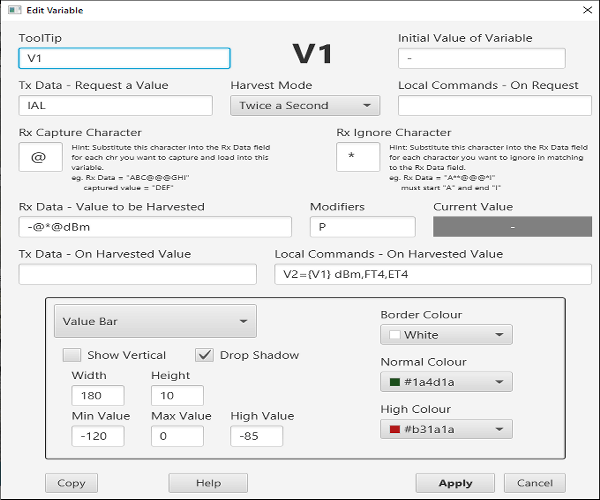
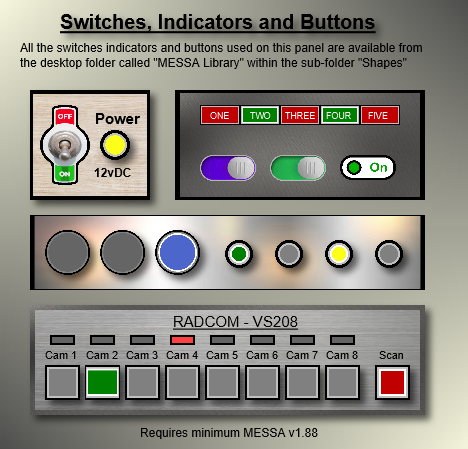
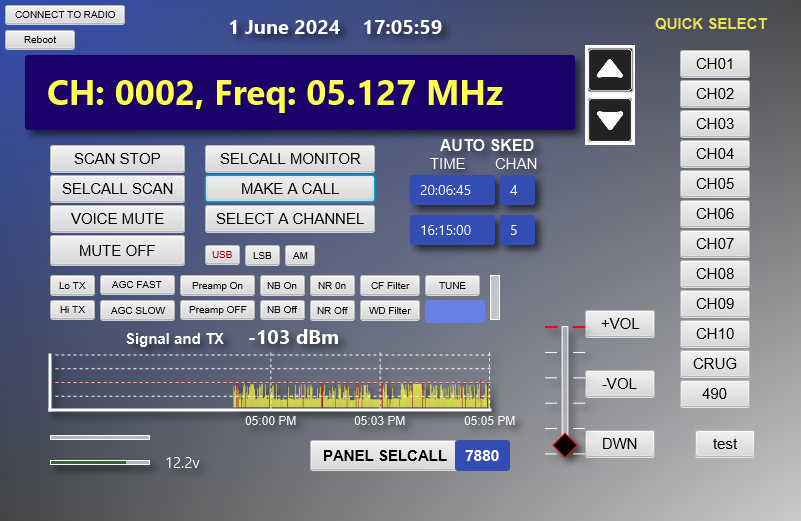
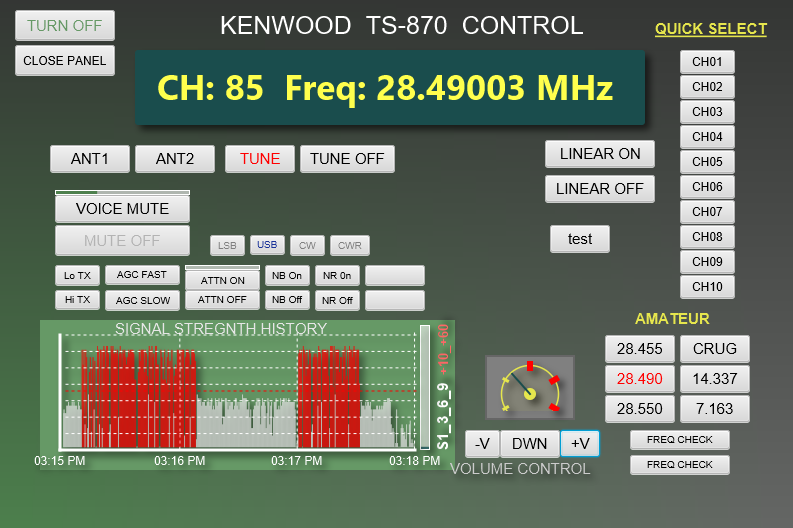
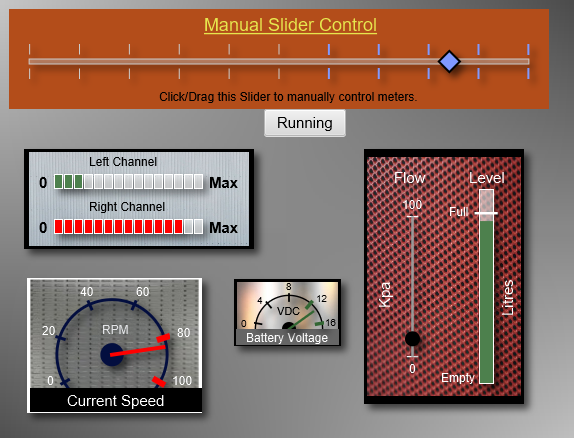
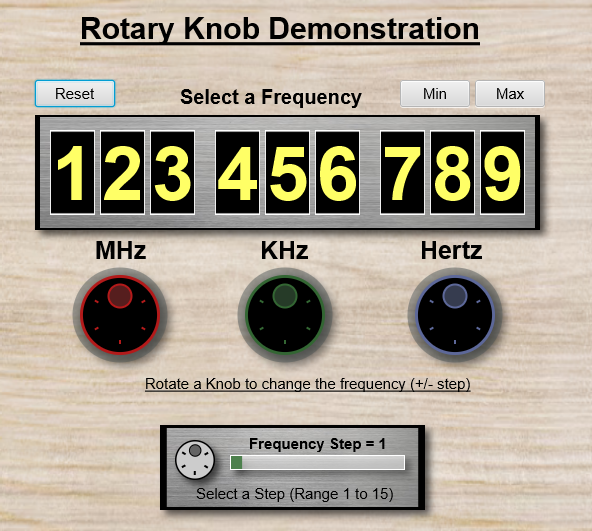
Messa™ is:
- Messa is a programmable way of using a computer to activate and display connections to off-site real world devices.
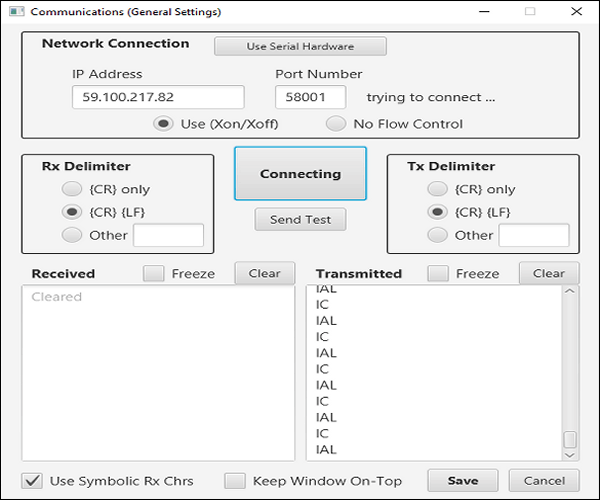
- A single bi-directional RS-232 serial (or networked IP) communications port receives and transmits control data.
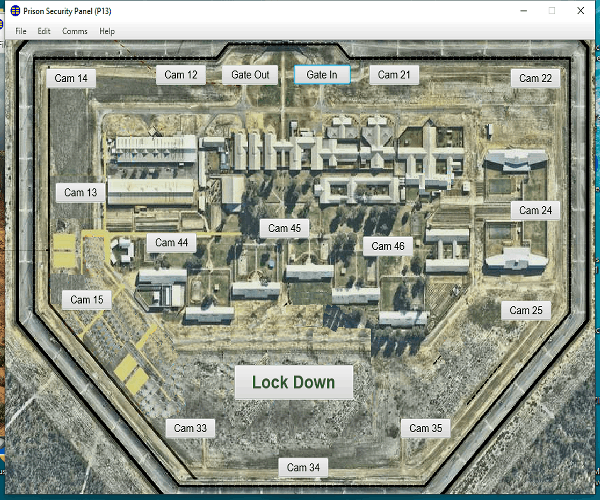
- Buttons and Shapes (icons) can be laid out onto any background image.
- Clicking on a Button or Shape will transmit specific control data to the system/equipment as well as automating the mimic panels locally.
- Any Button, Shape or Variable can receive a data message. This changes that button/shape's presentation on the mimic panel and/or could cause further automation locally.
- Incoming data can be harvested compared and managed to activate panel display changes and actions.
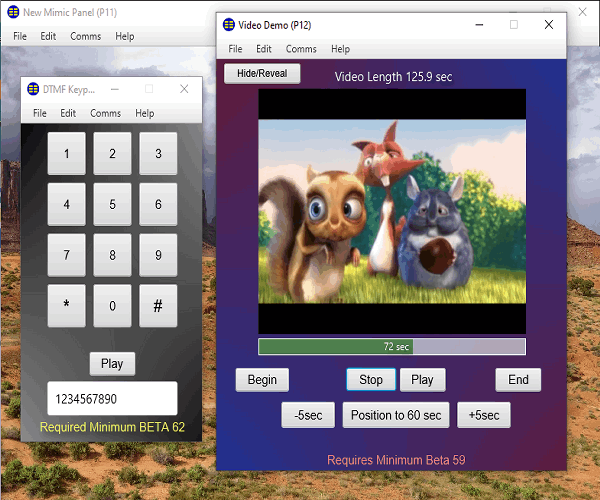
- Multiple mimic panel windows can be created. They all work together. Events detected on one panel can be used to automate any other panel.
- Panel design is only limited by your imagination.
- Follow the arrow to get back to a location
- Use it like a radar to get bearings & distance for several known locations
- Get a digital readout of a compass bearing in degrees
- Choose dark or light background colour for best viewing
- Vibrates when you get near your chosen location
- Copy latitude/longitude to and from the clipboard
- Automatic magnetic declination adjustment
Free 60 day trial
Linux Download Command: wget www.starchild.com.au/Downloads/Messa.jar
Linux Run Command: java -jar Messa.jar
Remember that Upper/Lower case characters are important when typing commands for Linux.
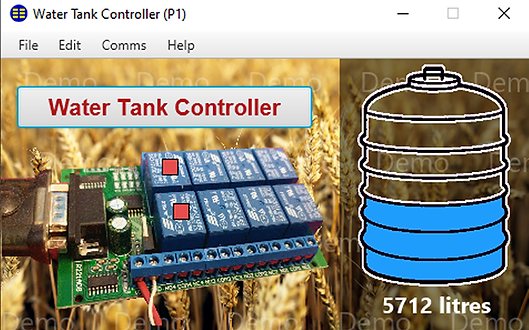
Applications:
- Ideal for interactive Museum displays.
- Control relay boards for remote switching
- Control air lock, interlocked doors directly
- Interface to a PLC controller or mod bus
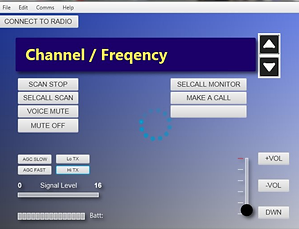
- Remote control of radio equipment
- Generates data strings for button down/up
- Incoming data strings, trigger displays
- Scale/rotate any image as a button
- Controllable label text and events
- Complete set of local panel commands for mimic control and manipulation.
- Conditional responses, timers, variables
- GIF files for analogue or alarm display
Purchase Messa™ Mimic Panels™
Cost of a License: AU $200 (once only)
- Download the Demo First.
- Send us an email to 7880austravel@gmail.com
- Quote the MESSA 8 digit SID: and Email Address you used for the Demo
- We will forward you an email containing our banking details.
- Once we have received payment, your software will be licensed

Built with
Mobirise.com